Tag Archives: WRDSB

Meet the Teacher Night Tech Slam

At this point in my life I find myself with one university graduate and one in first year and on the way.  It has certainly been a long time since I attended an elementary school meet the teacher night.

In a  recent summer conversation with WRDSB teacher  Alison Bullock,  my interest in the parent  aspect of  school year startup was rekindled.  Alison was enthusiastically sharing about her plans to provide parents attending with a fast paced “tech slam” – a quick tour through many of the different online services students would be using in their learning journey with her.  I approached Alison about attending meet the teacher night,  and I was thrilled that she readily agreed.

On parent night evening, I arrived at portable 4 to find an energized room of parents and students.  Students were eagerly leading parents to their seating area.
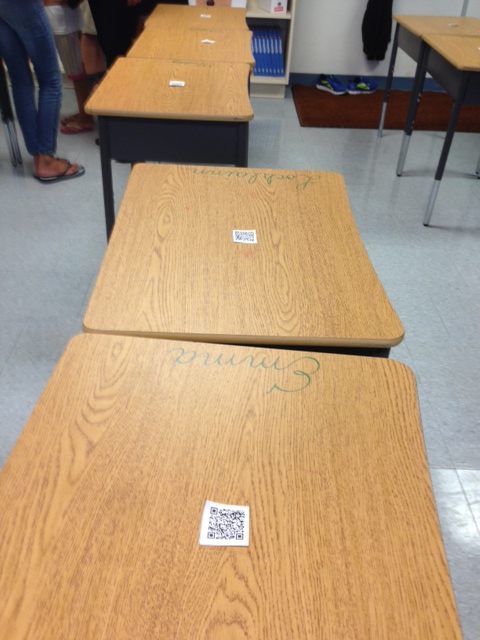
QRdesk

On the top of each desk was a  QR Code  that linked to a personalized welcome video for each parent.  Students were visibly excited to show their parent(s) how to access the video and have them watch it.

Now it was time for the tech slam.

Wow – actioned packed, filled with key learning statements and clearly highlighted  the connected learner robust technology enabled approach to be used in the classroom.

Casual conversation with parents afterwords showed excitement and interest  about the  approach to learning their child would participate in.

If I had elementary school aged children,  this is the type of classroom learning experience I would want them to have.

Related Resources:

Follow Alison’s class on Twitter: ESTP4.

~Mark

WRDSB Libraries on the Go

Our new library system at WRDSB comes mobile ready.  The free  ILS  app (iOS and Android) is easy to download and set up.  iOS users should note that the iPhone version of the app is also used on the iPad so the search settings in the app store may need adjusting to locate that app on an iPad.

ILS-1

Once the app is downloaded, launch it, choose the Waterloo Region District School Board from the school board list. Next,   press the  ‘choose library’ icon to select your school library and set it as the default.

ILS-3

As an example,  I choose the  Huron Heights SS  library and set it to my default library.

ILS-5

This is a sample search result based on “world war 2”.

ILS-6

Now you are ready for searching on the go. Happy inquiring!

~Mark

Sharing Your Learning CATC Camp Style

In recent months,  I have taken note of emerging strategies for sharing your learning.  One example that really struck me as powerful is the making of a story telling video where participants share an important learning, experience or perhaps credit someone for supporting learning or changing thinking.

I personally enjoyed participating in the video made after Dean Shareski’s session at Connect 2014. Check out two good examples shared by  Donna Miller Fry  in her blog posted titled  What did you learn? Who did you learn it from?

Watch our #catccamp14 sharing video.

Related Resources

CATC Camp Storify Day 1
CATC Camp Storify Day 2
CATC Camp Storify Day 3

Reflection by Kimberly Flood.

Keep the learning and sharing going!

~Mark

Learning at CATC Camp Day 3

~Mark

Google Classroom Goes Live at WRDSB

This has definitely been a week of anticipation.  I am always excited for CATC Camp,  our summer self directed, self paced learning opportunity for staff that focuses on technology enabled learning, effective use of digital tools and digital resources.

The first two days of camp have been awesome!  Based on an email I received from Google on Monday of this week,  I also knew that we were getting close,  REALLY  close on the activation of the Google Classroom feature of our GAFE (Google Apps for Educators) environment.  I had been sporadically checking all week … not yet … not yet. I tried once more just before supper tonight – not yet. I was beginning to feel like this was the watched tea kettle that wouldn’t boil.

As we were setting up for our post dinner newstime, I thought why not try one last time for today. YIKES – there is was – installed and active. It felt like Christmas in August, and was SO MUCH FUN making the surprise announcement to our CATC Camp attendees. I wished I had thought to record the reaction in the room – instant energy, excitement and applause.

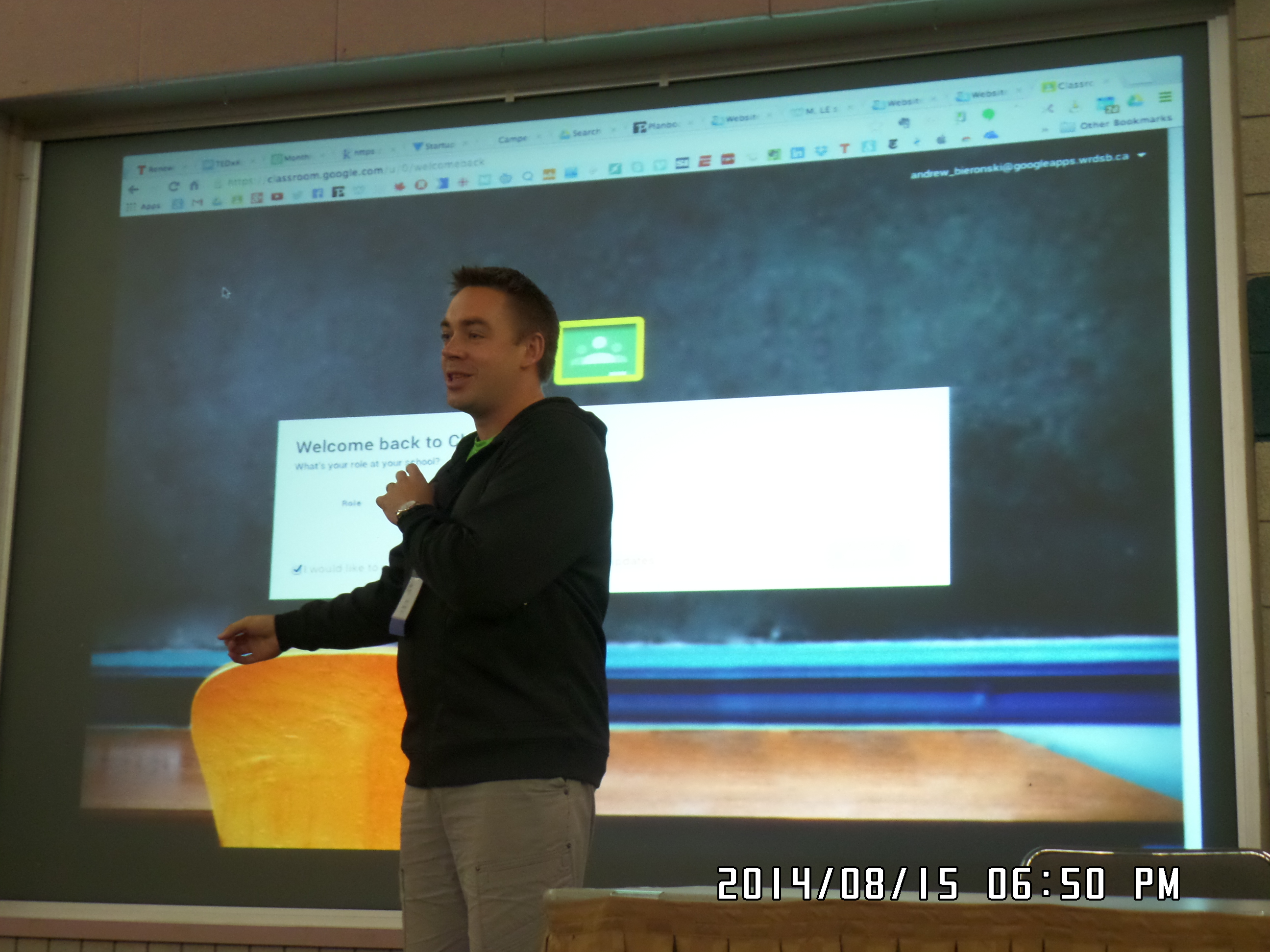
Well, this was a perfect opportunity to offer a quick tour and orientation for interested staff. No problem –  Andrew Bieronski jumped into action and provided a nice spontaneous workshop.  In the 75 minutes following the announcement, staff were tweeting, re-tweeting about the announcement, sharing and exploring.  Some went ahead and set up their 14/15 classes and added the first student assignment.  My initial observation was that Google Classroom  was easy & intuitive to use,  and that support needs would be minimal.

Andrew Bieronski

A reaction shared by many!

Making Discoveries


I am looking forward to implementing this tool for classroom educators in our system.   Now, I wonder what the next WRDSB hosted GAFE Summit will look like?

~Mark

Learning at CATC Camp Day 2

~Mark

Learning at CATC Camp (Day 1)

Digital Learning Carousel Reflections

I had the pleasure of attending the  WRDSB  Digital Learning Carousel event today along with 400 educators and students from our Board. The event provided opportunity to share our collective insights around digital learning,  changing practice and planning next steps forward for our organization.  The carousel sessions I attended included online novel studies, innovative practices with math, inquiry approaches and the Futures Forum program.

Three aspects of the day really struck me.  The positive feedback on the interest in using Google Apps for Educators (GAFE) and the high rate of adoption on our roll out was awesome.  Secondly, I was intrigued to hear some of the educators sharing the benefits of enough technology to support small group instruction over a 1:1 approach. The ‘just enough’ model allows technology to be used as a learning support as needed while fostering opportunities for interaction, conversation and sharing.   A 1:1 approach can result in students being self focused or isolated. This feedback validates our decision to roll out our iPad program in a way that avoided convenient the “portable lab pack” allocation. Finally, so many discussions touched on the idea of the right mobile tool for the learning, teaching or assessment task at hand. I felt proud that our  IT department is deploying and supporting iPads,  Chromebooks and Windows mobile devices to support learning at WRDSB.

carousel

My Session Highlights

The online novel study group talked extensively about taking a proactive approach to digital citizenship before moving into online activities. Their approach included googling yourself to find out what is actually online, reputation management, managing your digital presence and building relationships. Tools used in this program included Google Apps for Educators, Today’s meet, blogging, skype and collaborative web page designs.  An impressive approach indeed!

In the math innovative practices session, I noted that educators were really digging into teaching collaboration skills. What does collaboration look like, sound like, feel like? “Look fors” would include accountable talk, building on the ideas of others to highlight two attributes. Digital tools used in this program included Explain Everything, GAFE, GeoBoard, Notability and iMotion.

The inquiry stream focused on the relationship of two key elements:

1.  What do students need to learn and what do I need to learn as a teacher?
2.  If I do this as a teacher, then students …

The final session featured the Futures Forum program, which I am very familiar with due to my involvement with the program. Presenters emphasized the importance of a growth mindset for both staff and students. The approach used this year involving SparKW really engaged the students in a meaningful way.

Clearly,  all of the presenters I saw today demonstrated a high level of professionalism and a growth mind set. Thank you for sharing your learnings!

~Mark

WRDSB Twitter Sharing 20140428

Many thanks to the participants in our  #edwrdsb  Twitter chat tonight. You can see the chat at  Storify.

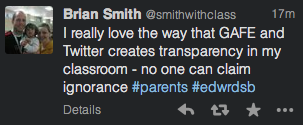
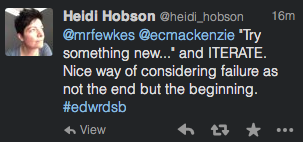
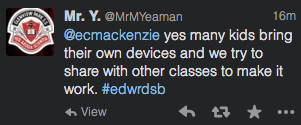
The open sharing and exchange of ideas was AWESOME.  Here are a few comments that resonated with me.

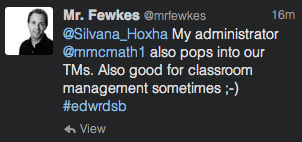
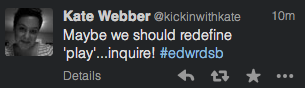
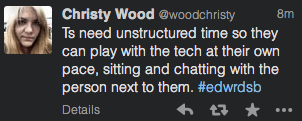
T-A28-1 T-A28-2 T-A28-3 T-A28-4 T-A28-5 T-A28-6 T-A28-7 T-A28-8 T-A28-9 T-A28-10 T-A28-11 T-A28-12 T-A28-13

I am already looking forward to our next Twitter sharing session.

~Mark

Celebrating Excellence

“The Ken Spencer Award for Innovation in Teaching and Learning was established with the generous contribution of Dr. Ken Spencer to recognize and publicize innovative work that is sustainable and has the potential of being taken up by others; to encourage a focus on transformative change in schools; and to provide profile for classroom innovation within school districts, schools, and the media.”

The Waterloo Region District School Board’s Futures Forum Program was recognized for for innovation today at a ceremony hosted at Forest Heights C.I.

Ron Canual, CEO of the Canadian Education Association presenting the aware to Chair Ted Martin.

WRDSB Director John Bryant

Perspective from CEA member  Marty Keast

See the amazing work in these Canadian schools.
The 13-14 Ken Spencer Award finalists

Full press release:   CEA_PR_KSAward_2014

~Mark